
Blog/TV Time
Still have your TV Time ZIP file? Here is what to do with it
TV Time has closed, but the gdpr-data.zip export you saved still holds your whole watch history. Where to find it, how to keep it safe, and how to bring it back to life.
 TvTick··3 min read
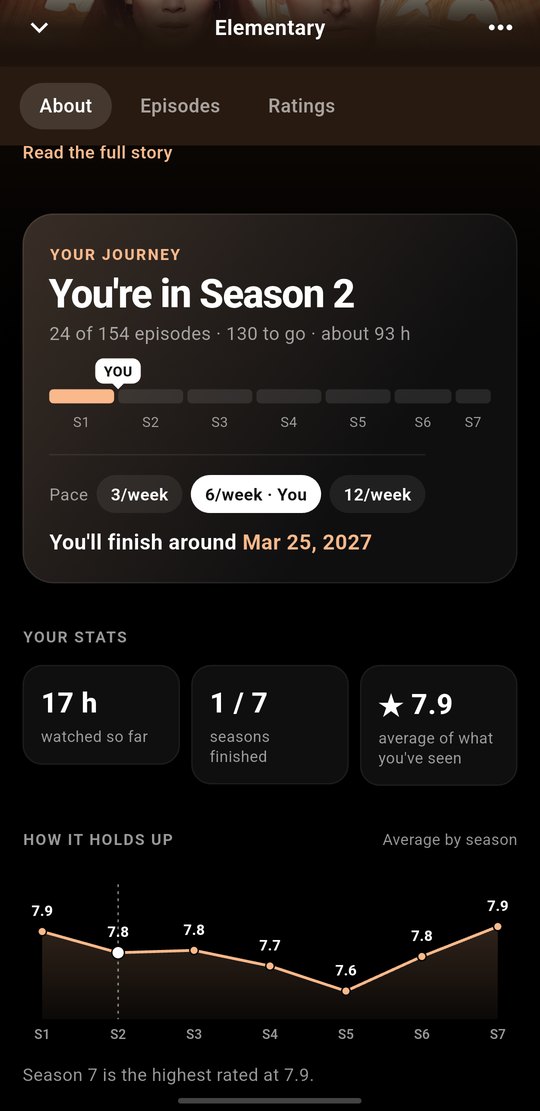
TV Time closed on 15 July 2026. If you asked for your data before then, you have a ZIP file somewhere with years of watching in it. That file is now the only copy of your TV Time history, and it still works.
What is the TV Time ZIP file?
It is the data export TV Time sent you, or let you download, when you asked for your data. It is usually called gdpr-data.zip, after the European privacy law (GDPR) that gives you the right to a copy of your data.
Inside are spreadsheet-style files with your account's records: the episodes and movies you marked watched and when, your favorites, the shows you followed, your comments and more. It also holds personal details such as your email address, so treat it like any other private document.
Where is my TV Time export?
If you are not sure you have one, look in these places:
- Your phone's Downloads folder.
- Your computer's Downloads folder.
- The email TV Time sent with the download link. The file may also be attached, or saved in your email app's attachments.
- Cloud storage such as Google Drive, OneDrive or iCloud Drive, if your phone backs up downloads.
Search for gdpr-data or for "TV Time" in your files and email. If a download link in an old email no longer works, the copy you saved is the one that counts.
Keep it as it is
The most common way to lose a TV Time history now is to tidy it up. Before you do anything else:
- Do not unzip it, rename the files inside, or open and re-save them in a spreadsheet app. TvTick asks for the ZIP exactly as TV Time made it, and other importers expect the same.
- Make a backup copy somewhere safe, such as a cloud drive. If your phone is lost, the file goes with it, and TV Time cannot send another.
- Do not post it or send it to strangers. It contains your email address and other personal details. If an app's support team asks for it, describe the problem instead.
What can I do with it?
The point of the file is to move your history into a tracker that is still running. Several apps can read a TV Time export. TvTick is one of them, and it reads more of the file than just your watched episodes:
- Every episode and movie you marked watched, with the date you marked it.
- Rewatches, with their count.
- Your favorite shows and movies, and your favorite character in each episode where you picked one.
- Shows you stopped, and shows you saved for later.
- If you choose, the comments you wrote, posted with their TV Time date and a "from TV Time" label.
It also matches shows by TheTVDB's ids, the same ids TV Time used, so two shows with the same name do not get mixed up. Any imported show that shares its name with another is listed so you can check it, and switched in one tap.
Our TV Time page lists what comes across and what does not yet.
Is my data safe when I import it?
With TvTick, the ZIP is opened on your phone and it reads only the watch-history tables (and the comment tables, if you turn on posting your comments). Only the shows, episodes and movies you watched and their dates are sent to your account. Your email, IP addresses and the rest of the export stay on your phone. The privacy policy has the full list.
How to import it into TvTick
- Put the ZIP on your Android phone, for example in Downloads.
- In TvTick, open Profile, the settings icon, then Data, and tap Import TV Time data. Add a Trakt export too if you have one.
- Check what TvTick found, how many shows and movies, and start the import.
- Let it run. It keeps going in the background with a notification, even with the screen off. At the end you see what came in and anything that was left out.
Importing the same file again is safe: it does not double your history, and anything you marked in TvTick since keeps its date. The import guide has every step.
I do not have the file. Now what?
Then TV Time cannot give you one any more, and no app can fetch your data from TV Time. Read how to rebuild your history without a TV Time export: it is quicker than it sounds.
TvTick is free, with no ads, on Android. Get it on the Play Store.
Try TvTick. It's free.
Tick off episodes, see what airs next, and get a spoiler-free recap when you come back to a show. No ads.
Keep reading
All posts →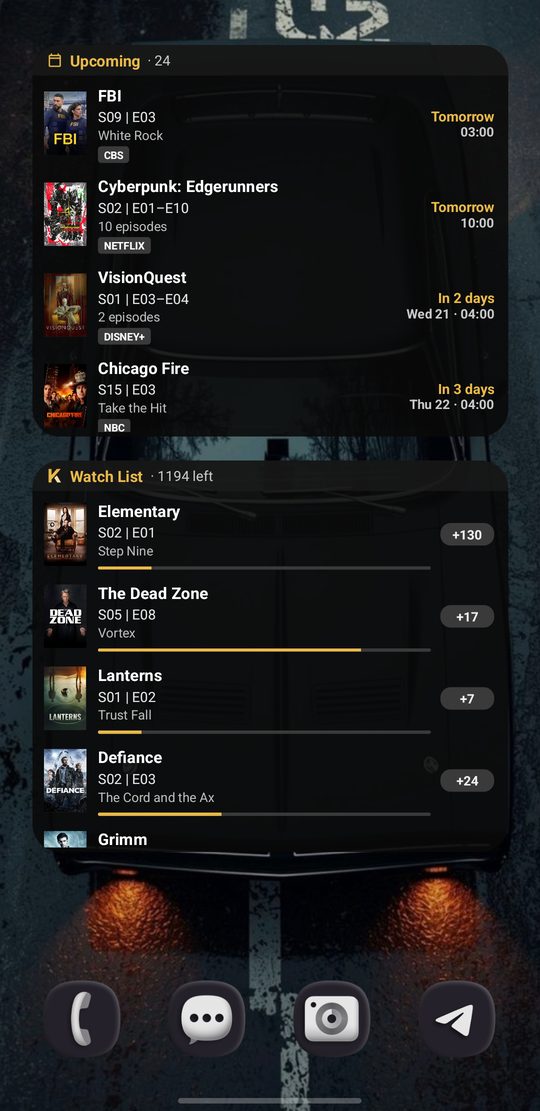
A TV Time alternative for Android, with home-screen widgets
Looking for a TV Time replacement on Android? TvTick puts your next episodes and what airs soon on your home screen, imports your TV Time history, and has no ads.
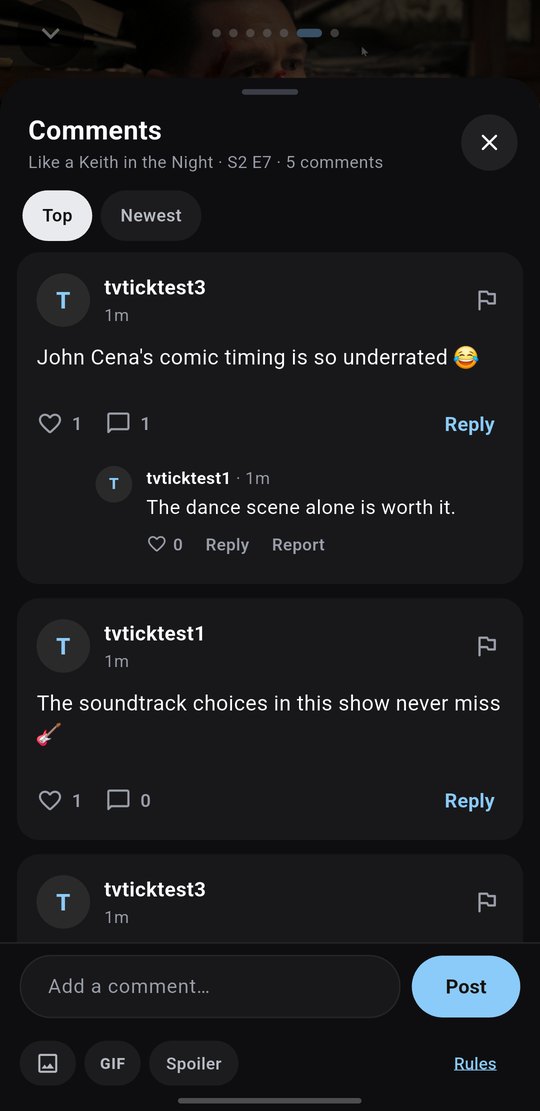
A TV Time alternative that keeps your comments
Most TV Time alternatives bring back your watch history and leave your comments behind. TvTick can post the comments you wrote in TV Time, with their original dates.
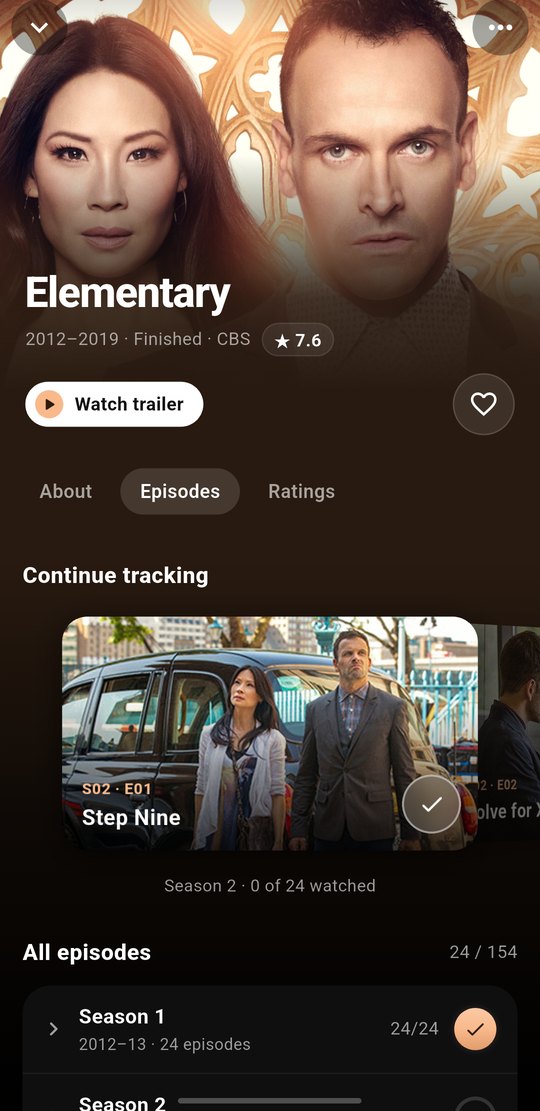
Didn't save your TV Time export? How to rebuild your history
TV Time has closed and can no longer send data exports. If you never saved yours, here is the honest picture and the fastest way to rebuild your watch history.