
Blog/TV Time
A TV Time alternative for Android, with home-screen widgets
Looking for a TV Time replacement on Android? TvTick puts your next episodes and what airs soon on your home screen, imports your TV Time history, and has no ads.
 TvTick··3 min read
If you tracked shows with TV Time on an Android phone, you probably checked it several times a day: what is next, what aired last night, what comes back this week. Since TV Time closed on 15 July 2026, a replacement needs to be just as quick to open, or quicker.
TvTick is an Android TV and movie tracker built around that habit. Here is what it looks like on your phone, and how to bring your TV Time history with you.
Home-screen widgets
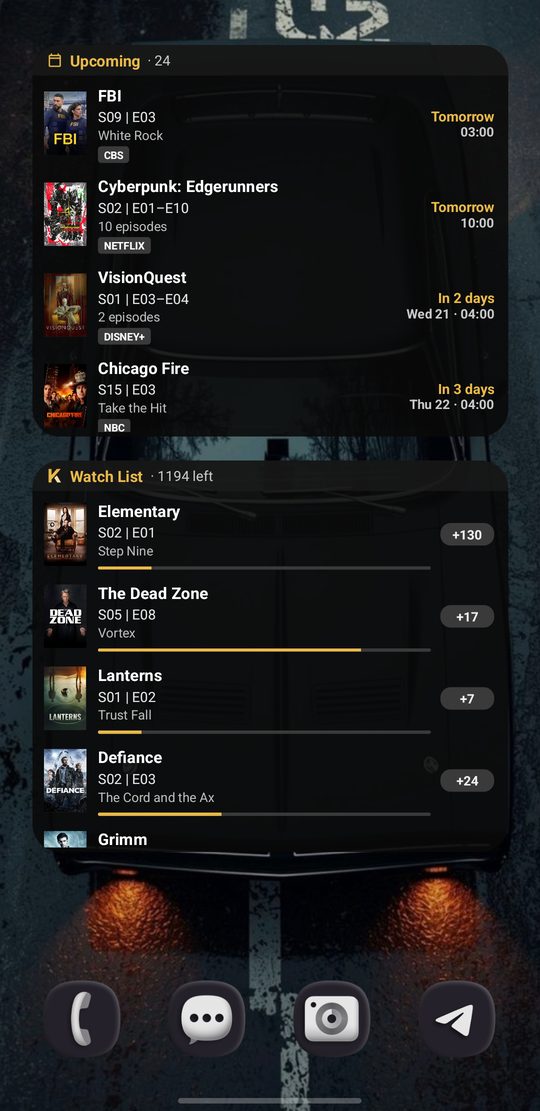
TvTick has widgets for your Android home screen, so you can see what is coming without opening the app:
- Your next episodes: the next episode of each show you are watching.
- Airing soon: new episodes coming up for the shows you follow.
They sit on your home screen with your wallpaper showing through. Widgets are free.
A quiet notification when an episode airs
TvTick sends a notification once a new episode has actually aired, at the right time where you live. A notification center in the app keeps them all, along with follow requests, challenges, badges and your weekly race results.
With Premium you can also pick the time of day your new-episode alerts arrive.
Quick to tick
Most of what you do in a tracker is mark an episode and move on, so TvTick keeps that to one tap:
- Tick an episode in one tap, or a whole season with Undo if you hit the wrong one.
- Long-press to pick the day you watched it.
- Your watch list sorts itself, with the next episode of each show at the top and the shows you have drifted away from below.
It also works without a connection. Your watch list, your upcoming list, your library and the shows you have opened are kept on your phone, and episodes you mark offline are saved as soon as you are back online.
Bring your TV Time history
If you saved your TV Time export before it closed (usually a ZIP called gdpr-data.zip), TvTick reads it on your phone: every episode and movie you marked, with its date, your rewatches, favorites and stopped shows. If you choose, it also posts the comments you wrote, with their TV Time date. A Trakt export can come in at the same time.
In TvTick, open Profile, the settings icon, then Data, and tap Import TV Time data. The import guide has the steps, and our TV Time page lists what comes across.
Make it look like yours
Every show and movie page takes its colour from its own picture, and the rest of the app takes its colour from the picture at the top of your profile. With Premium you can go further: any colour you like for the app, a matching app icon on your home screen, and your own pick of poster and backdrop for each show.
What about iPhone?
TvTick is an Android app today, and an iPhone version comes later. On an iPhone, or on a computer, you can use TvTick in the browser with the same account: your shows, ticks, stats and friends are all there. New-episode alerts, widgets and buying Premium are only in the Android app.
Is it free?
Yes, with no ads. Tracking, widgets, new-episode alerts, imports, rewatches, stats, Wrapped, comments and exporting your data are all free. Premium is an optional subscription for extras such as unlimited recaps and auto-tick from Netflix, Plex or Jellyfin. See what Premium adds.
Try TvTick. It's free.
Tick off episodes, see what airs next, and get a spoiler-free recap when you come back to a show. No ads.
Keep reading
All posts →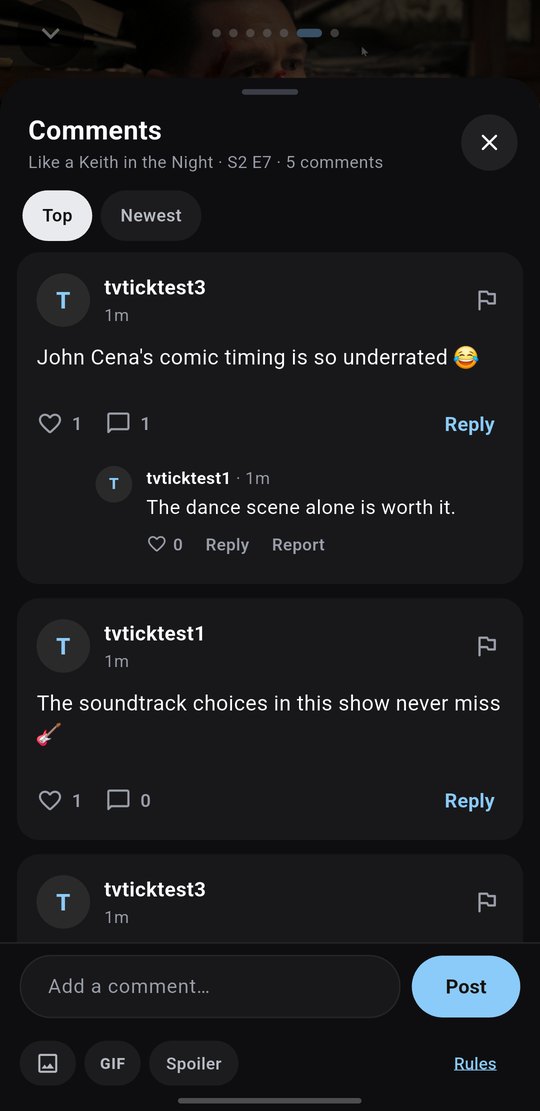
A TV Time alternative that keeps your comments
Most TV Time alternatives bring back your watch history and leave your comments behind. TvTick can post the comments you wrote in TV Time, with their original dates.
Didn't save your TV Time export? How to rebuild your history
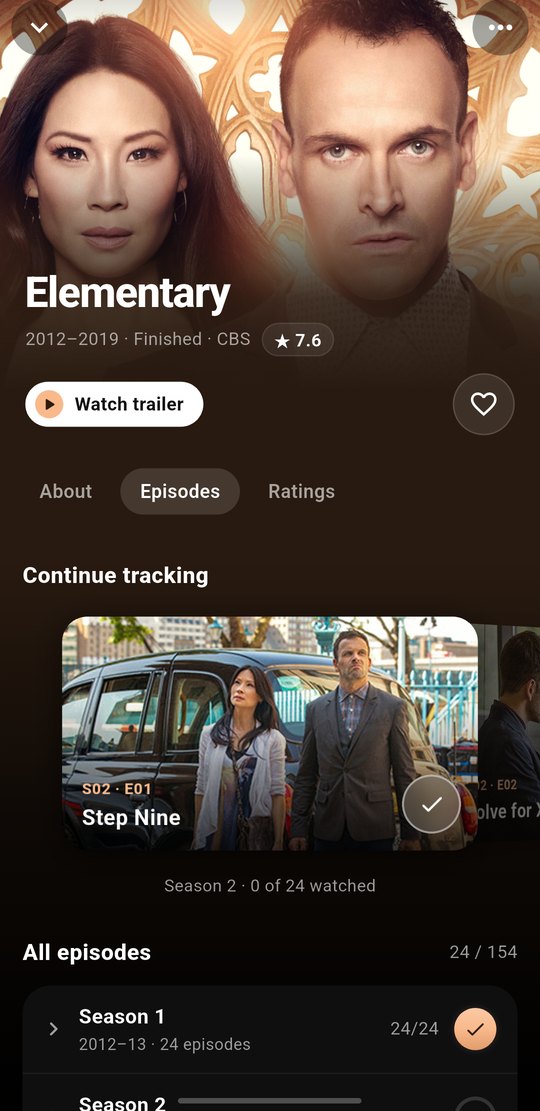
TV Time has closed and can no longer send data exports. If you never saved yours, here is the honest picture and the fastest way to rebuild your watch history.
Still have your TV Time ZIP file? Here is what to do with it
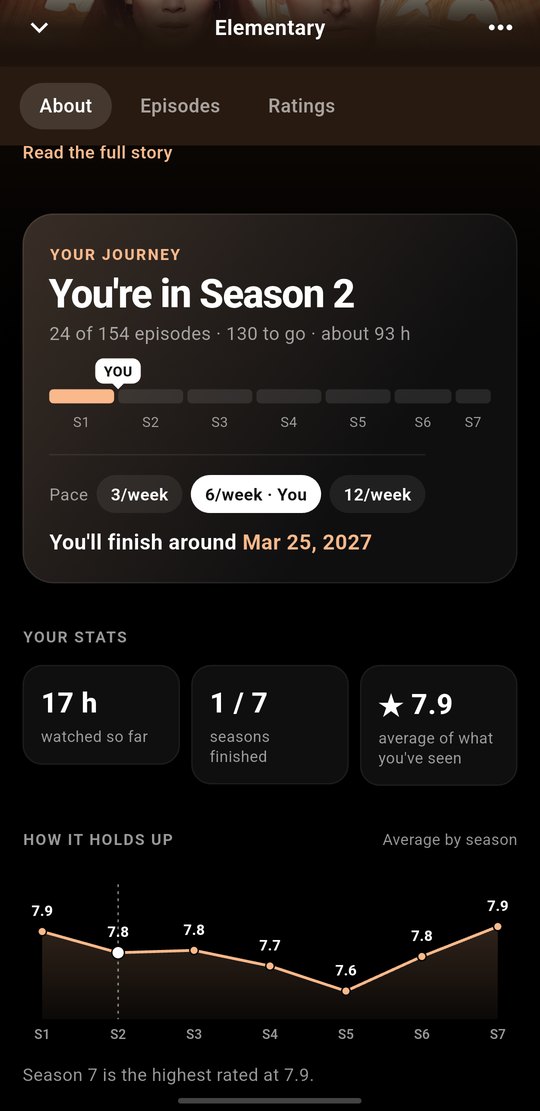
TV Time has closed, but the gdpr-data.zip export you saved still holds your whole watch history. Where to find it, how to keep it safe, and how to bring it back to life.