
Blog/TV Time
TV Time year in review is gone. Here is your 2026 Wrapped
TV Time closed in July, so there is no TV Time year in review this December. Import your TV Time history into TvTick and get a full 2026 Wrapped instead.
 TvTick··3 min read
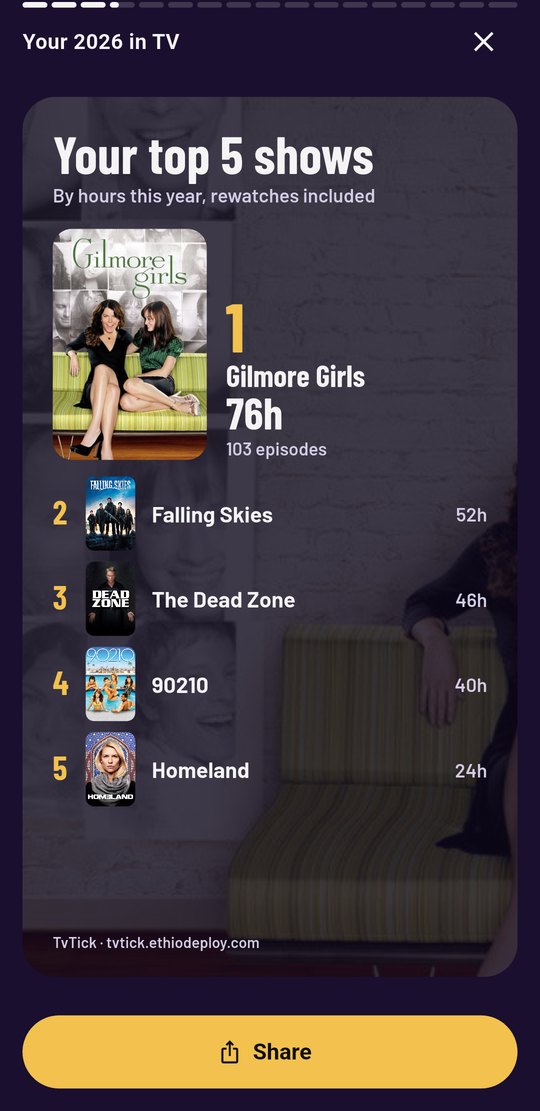
TV Time closed on 15 July 2026, so this December there is no TV Time year in review to look forward to. If you saved your TV Time export, your 2026 does not have to end in July: bring it into TvTick and your year in TV is ready on 1 December.
What is TvTick Wrapped?
Wrapped is TvTick's year in TV. From 1 December each year it looks back on everything you watched: your hours, your top shows, your biggest binge, when you watch, the actors you saw most, your favorite characters and the kind of watcher you are. You tap through it like a story and can share any slide, or one card with all of it.
It is free for everyone, and it counts from 1 January to the day you open it.
Here is what it covers:
- Your hours watched this year, episodes and movies.
- Your top 5 shows and your show of each month.
- The day you could not stop, your biggest binge.
- When you watch.
- The actors you spent the most time with, and your favorite characters.
- Your TV age and the kind of watcher you are.
- You and your friends, side by side, if you follow people on TvTick.
Will the months I tracked in TV Time count?
Yes. A TV Time export keeps the date you marked each episode and movie, and TvTick keeps those dates when it imports them. Everything you watched from January until TV Time closed lands in the right month of your 2026, so your Wrapped covers the whole year instead of starting the day you switched.
Rewatches come across too, and they count as time spent, the same way they do on your stats page.
One thing to know: nobody watches more than 12 hours in a day, so if you once ticked a whole backlog in TV Time on a single day, TvTick treats the ticks past 12 hours that day as catching up. They still count in your totals, but not in your biggest binge or the watching that makes up Wrapped.
How to get your TV Time history in before 1 December
You need the TV Time data export you saved before it closed. It is a ZIP file, usually called gdpr-data.zip.
- Put the ZIP on your Android phone, for example in Downloads. Keep it exactly as it is, without unzipping it.
- In TvTick, open Profile, the settings icon, then Data, and tap Import TV Time data. Add a Trakt export too if you have one: both are merged into one history.
- Check what TvTick found and start the import. It runs in the background, even with the screen off. A big library takes a few minutes.
The import guide has the details, and our TV Time page lists what comes across and what stays behind.
What if I did not save my TV Time export?
TV Time has closed, so nobody can request a new export now. You can still have a 2026 Wrapped: everything you tick in TvTick from today counts, and you can mark past episodes with the day you watched them by long-pressing the tick. If you also used Trakt, import your Trakt export instead.
Wrapped needs a little to work with: at least 10 episodes or 3 movies in the year.
Wrapped with friends
Wrapped is more fun next to someone else's. Follow friends by their @username and Wrapped puts you side by side. On the rest of the year you can compare watch time, streaks and badges, and race them each week for the most hours watched.
The short version
- TV Time's year in review is gone with the app.
- TvTick Wrapped opens on 1 December, free, and counts your whole year.
- Import your TV Time ZIP first and your January to July comes with it, with the right dates.
TvTick is free, with no ads, on Android. Get it on the Play Store or open it in your browser.
Try TvTick. It's free.
Tick off episodes, see what airs next, and get a spoiler-free recap when you come back to a show. No ads.
Keep reading
All posts →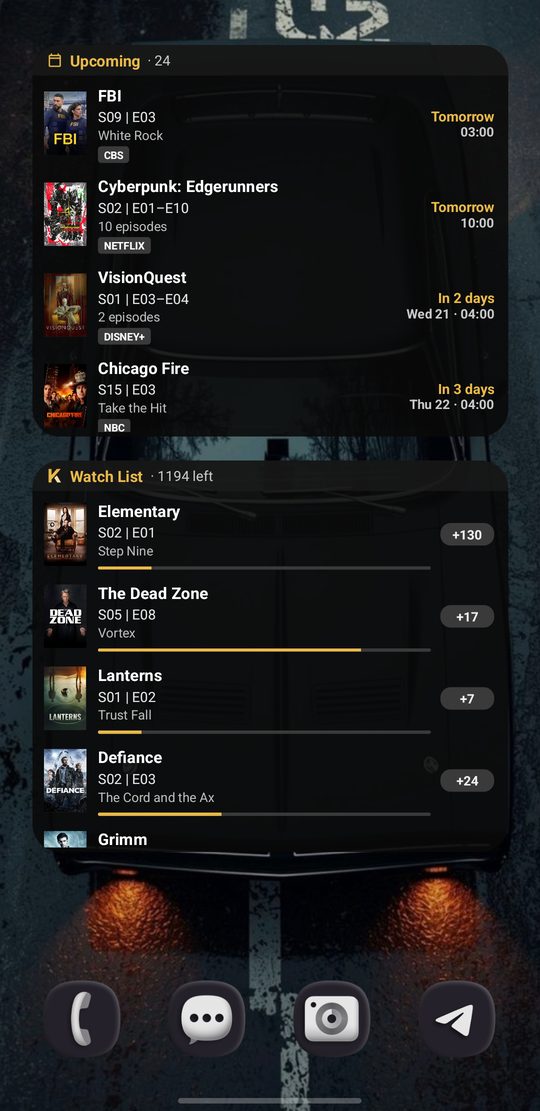
A TV Time alternative for Android, with home-screen widgets
Looking for a TV Time replacement on Android? TvTick puts your next episodes and what airs soon on your home screen, imports your TV Time history, and has no ads.
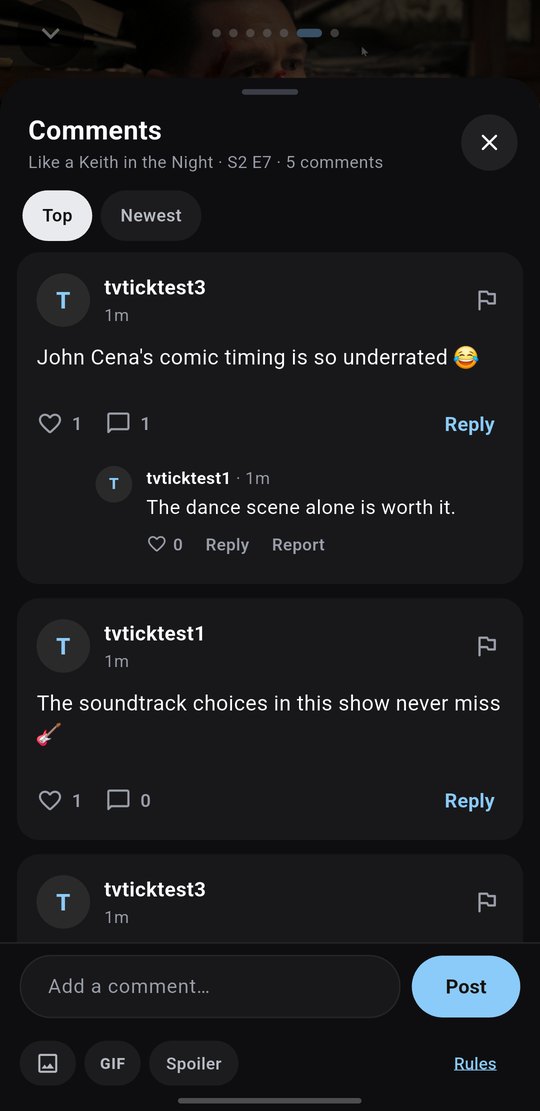
A TV Time alternative that keeps your comments
Most TV Time alternatives bring back your watch history and leave your comments behind. TvTick can post the comments you wrote in TV Time, with their original dates.
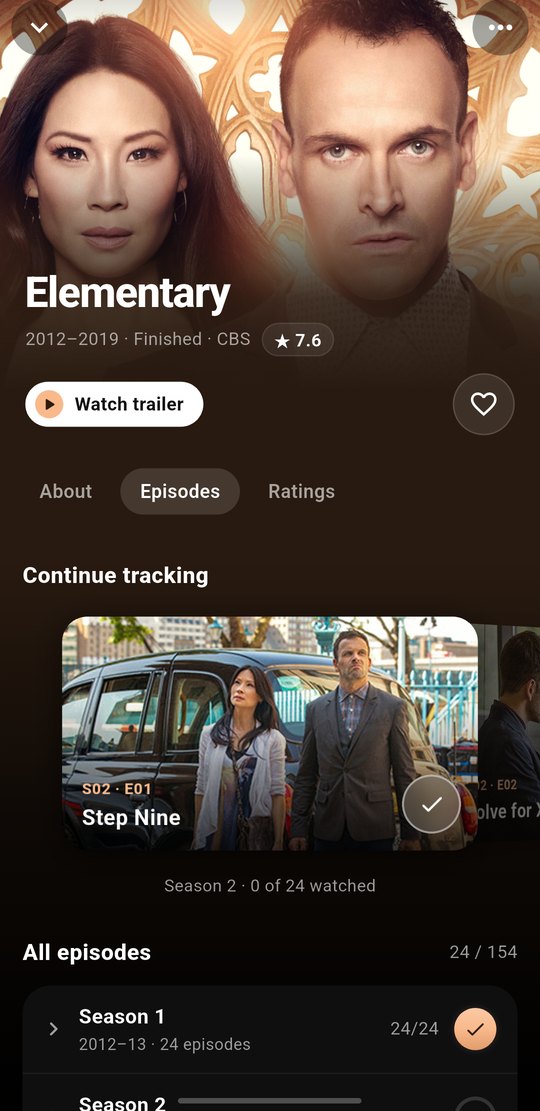
Didn't save your TV Time export? How to rebuild your history
TV Time has closed and can no longer send data exports. If you never saved yours, here is the honest picture and the fastest way to rebuild your watch history.