
Blog/TV Time
TV Time import not working? Common problems and fixes
Your TV Time export will not import, or some shows are missing afterwards? The usual causes, from an unzipped file to episodes TV Time numbered differently, and how to fix each one.
 TvTick··3 min read
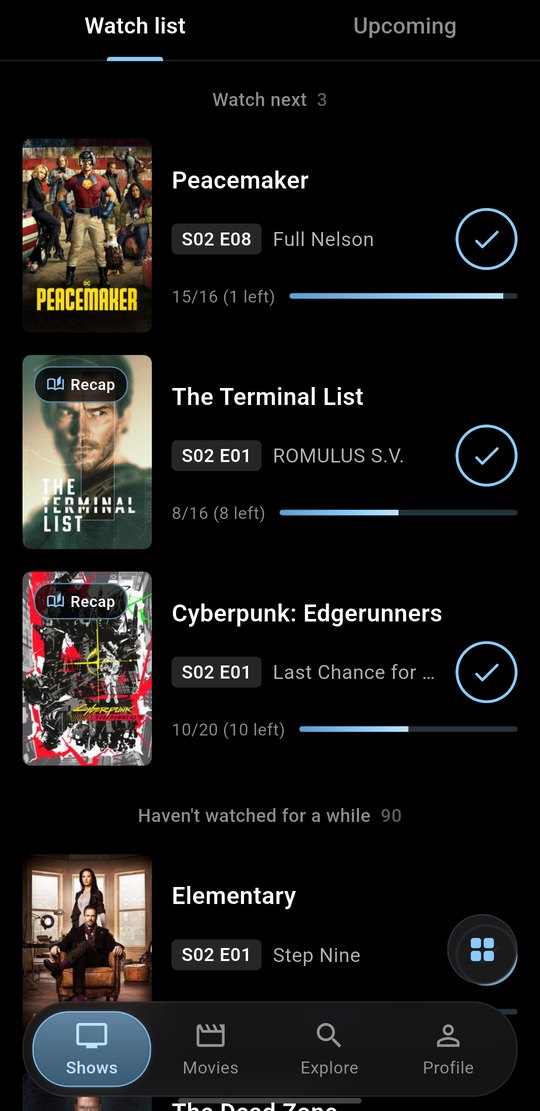
Your TV Time export is the only copy of your history left since TV Time closed, so an import that fails or comes back short is worrying. Most problems have a simple cause. Here are the ones we see most, and what to do about each, with the steps for TvTick.
The app does not accept my file
The file was unzipped or changed. This is the most common cause. TvTick wants the TV Time ZIP exactly as TV Time made it, usually called gdpr-data.zip. If you unzipped it, renamed it, or opened a file inside in a spreadsheet app and saved it again, go back to the original ZIP: check your Downloads folder, your email and your cloud storage for the untouched copy.
It is a different export. Make sure you picked the TV Time file with Import TV Time data. Trakt and Letterboxd exports have their own buttons (Import Trakt data, Import Letterboxd data) in the same Data section.
The file is still in the cloud. If the ZIP sits in Google Drive or an email, save it to your phone first, for example in Downloads, and pick it from there.
The import seems stuck
Give it time. The import keeps going in the background with a notification, even with the screen off, and a big library (hundreds of shows and nearly a thousand movies) takes a few minutes. It needs an internet connection the whole way through, since each show and movie is looked up as it comes in.
If it really has stopped, start it again. Importing the same file twice is safe: it does not double your history, anything already in TvTick keeps its date, and things you removed in TvTick stay removed.
Some shows or episodes are missing
A few entries cannot be matched, and TvTick tells you which:
- Entries without a season or episode number. TV Time listed some watches with no episode attached. There is nothing to tick for those.
- Some specials. Extras and specials that do not line up with a real episode in TvTick's catalog are left out.
- Episodes TV Time numbered differently. Some shows are split into seasons differently from one database to the next. TvTick matches what it can exactly and lists the rest instead of dropping them silently.
At the end of the import you see what came in and what was left out. You can tick anything missing by hand, and long-press an episode to give it the day you watched it.
The wrong show came in
Some shows share a name with another, especially remakes and versions from different countries. TvTick matches shows by TheTVDB's ids, the same ids TV Time used, so this is rare. Any imported show that shares its name with another is listed after the import so you can check it, and switched to the right one in one tap.
My dates look wrong
You imported Trakt as well. When the same title is in both files, the TV Time date wins, because that is where you marked it first.
You had already ticked it in TvTick. Anything you marked in TvTick before importing keeps its TvTick date.
It shows up in your stats differently from what you expect. If TV Time recorded a huge backlog on one day, TvTick counts the ticks past 12 hours of viewing that day in your totals but not in your biggest binge or the watch calendar. That is on purpose: nobody watches 30 hours in a day.
My comments did not appear
Posting your TV Time comments is off unless you turn on Post my TV Time comments before the import starts. You also need a TvTick username first, since every comment shows who wrote it. If you missed it, set your username and import the same file again with the option on: comments that were already posted are never posted twice.
Your replies are a special case. Your export does not hold the comments they answered, so each reply waits until that comment is on TvTick (when the person who wrote it imports their TV Time data), then goes up under it with its TV Time date. A reply that has not appeared yet is waiting, not lost.
Still stuck?
Write to [email protected] and say which file you used and what the app showed. Please do not send the export itself: it holds personal details such as your email address.
The import guide has the full steps, and our TV Time page lists what comes across from TV Time and what does not yet.
Try TvTick. It's free.
Tick off episodes, see what airs next, and get a spoiler-free recap when you come back to a show. No ads.
Keep reading
All posts →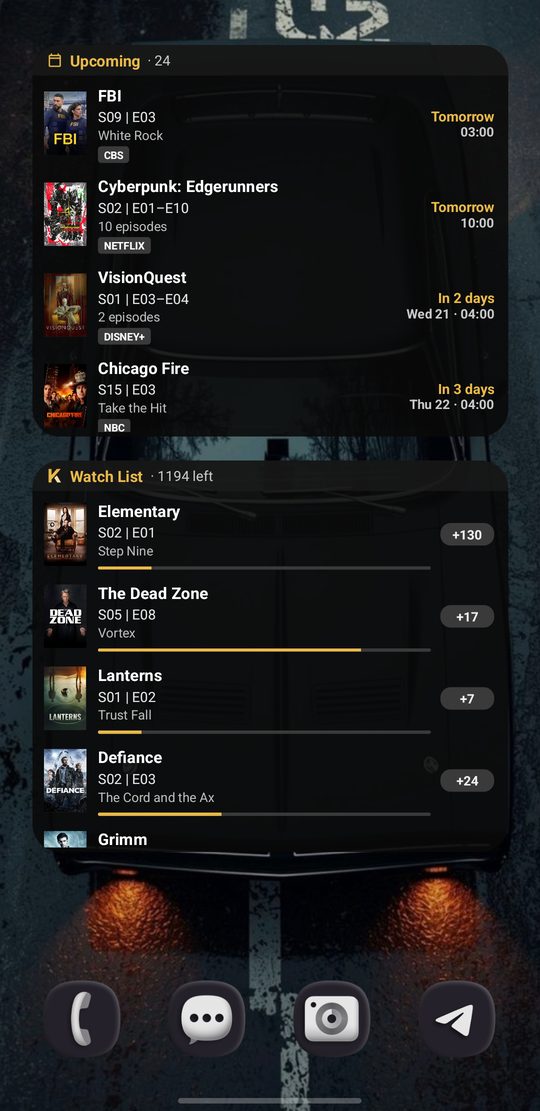
A TV Time alternative for Android, with home-screen widgets
Looking for a TV Time replacement on Android? TvTick puts your next episodes and what airs soon on your home screen, imports your TV Time history, and has no ads.
A TV Time alternative that keeps your comments
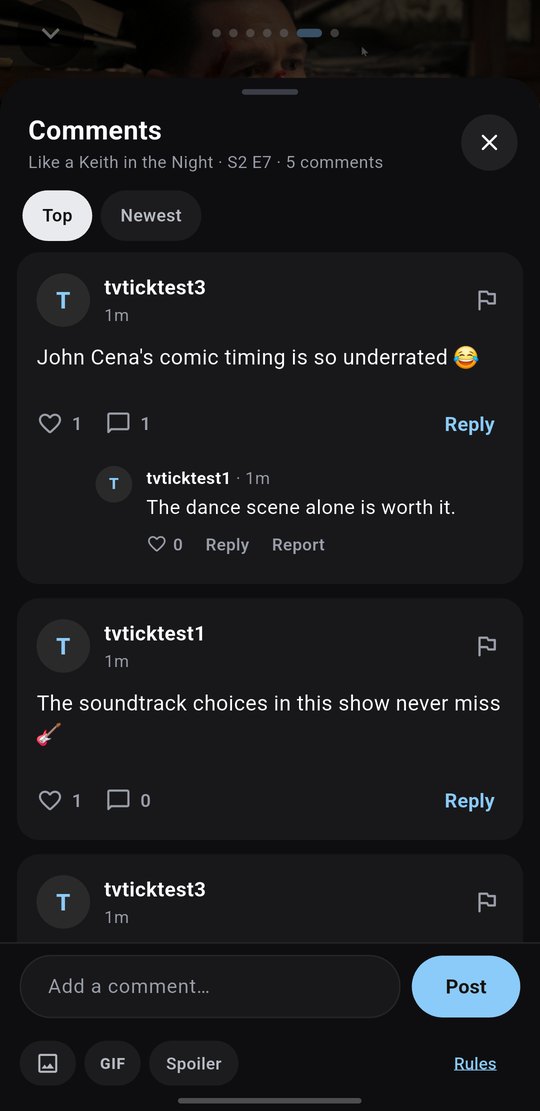
Most TV Time alternatives bring back your watch history and leave your comments behind. TvTick can post the comments you wrote in TV Time, with their original dates.
Didn't save your TV Time export? How to rebuild your history
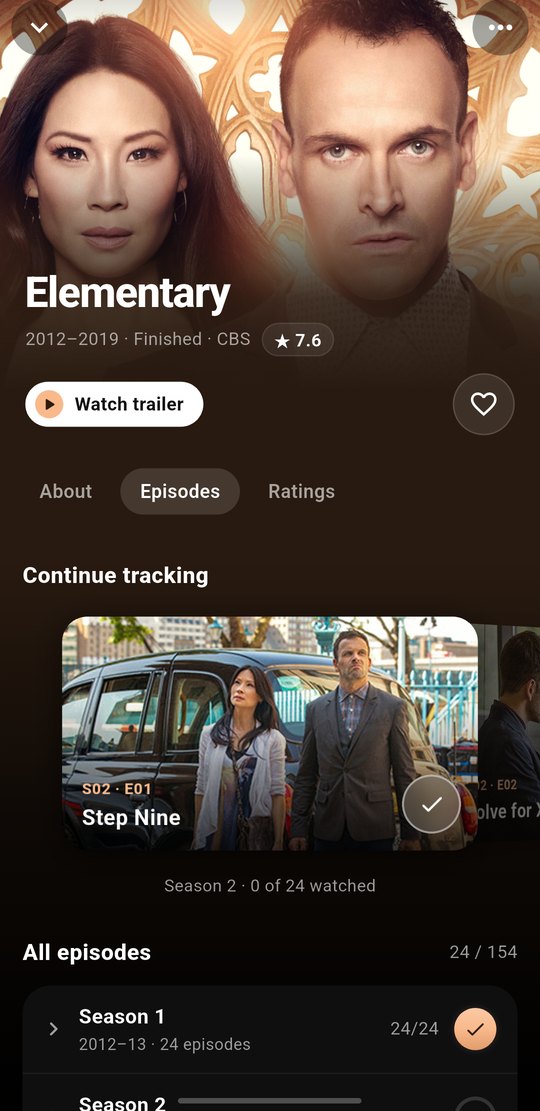
TV Time has closed and can no longer send data exports. If you never saved yours, here is the honest picture and the fastest way to rebuild your watch history.