
Blog/Guides
Track what you watch on Plex automatically
Want your Plex watch history in a TV tracker without ticking every episode by hand? TvTick ticks the episodes and movies you finish on your Plex server, on any TV or phone.
 TvTick··3 min read
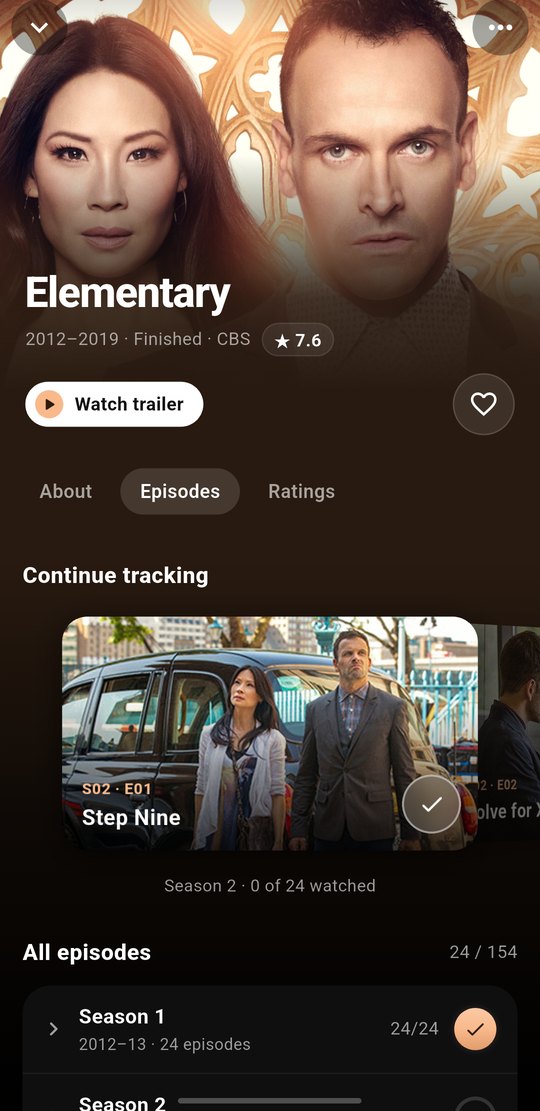
Plex knows what you watched on your server, but that history stays inside Plex. If you also keep a TV tracker, you end up ticking every episode twice: once by playing it, once by remembering to mark it. TvTick can do the second part for you.
How does Plex auto-tick work?
Plex can send a short message, called a webhook, to an address you choose each time something is played, paused or stopped. TvTick gives you a private link for that. Once it is in your Plex settings, every episode or movie you finish on your server is ticked in TvTick, on any TV, phone or computer that plays from it.
An episode or movie counts once it has played to the end, which TvTick takes as 90% of it. Stopping halfway through does not tick anything.
Your phone gets a notification when something is ticked, with Undo, in case a play should not count.
What you need
- TvTick Premium. Auto-tick is part of Premium, at US$2.99 a month or $19.99 a year.
- Plex Pass on the server owner's account. Plex's webhooks need it. If you watch on a friend's or a family member's server, it is their account that needs Plex Pass.
- Access to the server's settings, or someone who has it, to paste the link once.
How to connect Plex to TvTick
- In the TvTick app, open Settings, then Watching, then Auto-tick, and tap Connect Plex.
- Copy the private link TvTick shows you.
- In Plex, open the server's Webhooks setting, add a webhook, and paste the link.
- Play something on the server. Back in TvTick, pick which person on the server you are, so only your plays tick your account.
That is it. From then on, what you finish on the server is ticked. Plays that arrive before you have picked yourself wait for at most a day.
A Plex link belongs to one TvTick account. If several people on the same server use TvTick, each of them connects with their own link and picks themselves.
What does Plex send, and what does TvTick keep?
From Plex, TvTick receives Plex's standard webhook message: the server's name, the Plex username of the person playing, the player's name, what is playing (title, season and episode, and Plex's ids for it) and a poster image.
TvTick only uses finished plays. It keeps the server's name, which user on it is you, the last play and how it went, and each episode or movie it ticks, for 30 days, for Undo and the phone notification. It also keeps the usernames that have played something, so you can pick yourself. Everything else, the poster included, is dropped. TvTick's servers never call your server, and the data is not shared or used for advertising. The privacy policy has the full detail.
How do I stop it?
In the TvTick app, remove the Plex link: it stops working at once. You can also delete the webhook on the Plex server. Deleting your TvTick account removes everything above.
Does it work with Jellyfin too?
Yes. Jellyfin connects differently: one link for the whole server, added once by its admin, then each person confirms with a Quick Connect code. See how to track what you watch on Jellyfin.
What about Netflix and other streaming services?
On a computer, the TvTick browser extension for Chrome and Edge ticks Netflix episodes once you have really watched them, with Prime Video, Disney+ and HBO Max in beta. It is also a Premium feature, and it is on its way to the Chrome Web Store.
Questions
Do I need Plex Pass to use auto-tick?
The server owner's Plex account needs Plex Pass, because Plex's webhooks require it. You do not need Plex Pass yourself if you watch on someone else's server.
Will it tick an episode I only watched half of?
No. An episode or movie counts once it has played to the end, which TvTick takes as 90%.
Can several people on one server use it?
Yes. Each person connects their own TvTick account with its own link and picks which Plex user they are, so everyone's plays tick only their own account.
Is auto-tick free?
No. Auto-tick is part of TvTick Premium. Tracking, stats, Upcoming, imports and everything else you need to track by hand are free, with no ads.
Try TvTick. It's free.
Tick off episodes, see what airs next, and get a spoiler-free recap when you come back to a show. No ads.
Keep reading
All posts →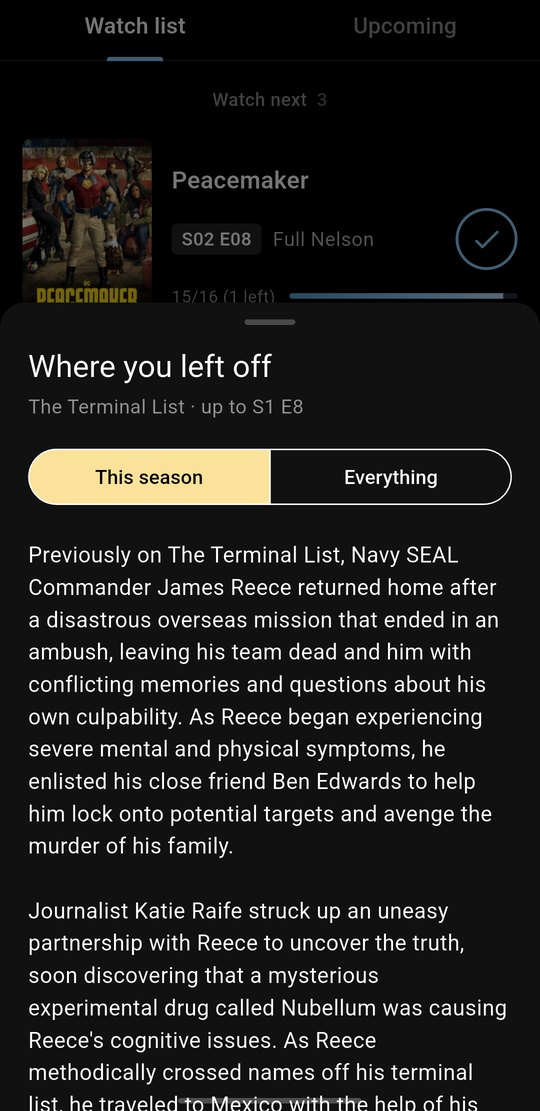
How to catch up on a TV show without rewatching it
A new season is out and you cannot remember how the last one ended. Ways to catch up on a TV show fast, from recaps that stop where you stopped to knowing exactly which episode you were on.
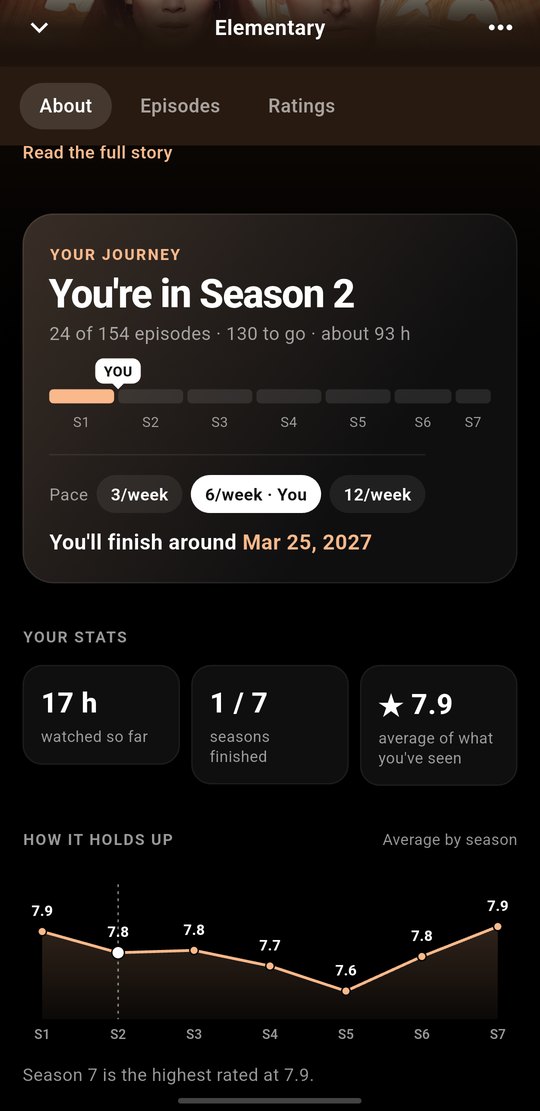
Free TV show tracker template for Google Sheets and Excel
A free TV show tracker spreadsheet you can download and open in Google Sheets or Excel, with progress worked out for you, plus how to set it up and when an app does it better.
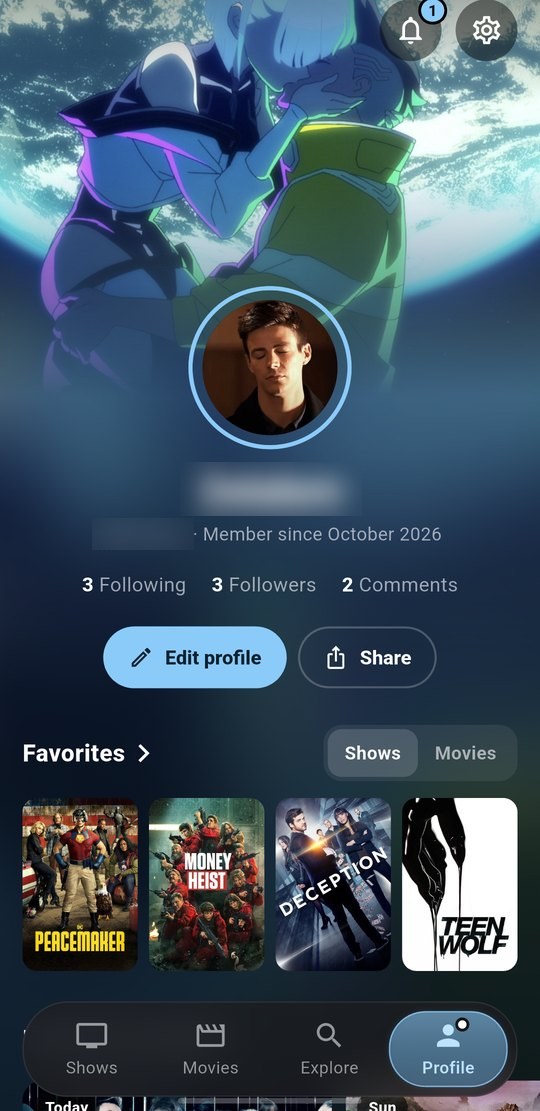
A TV show tracker you can use in your browser
Want to track TV shows on a computer, or on a phone without installing anything? TvTick works in any browser, free and with no ads, on the same account as the app.